
Shopify integration
Seth looks up the order, checks the caller is the customer, and can cancel the order, start a return or answer product questions.
What Seth does with your Shopify store
- Seth finds the order by order number or by the phone number the customer is calling from.
- The AI agent checks the caller is the customer before it shares anything about the order.
- Seth reads the order status and the tracking number, so the caller hears where the parcel is.
- The AI rep cancels an order when it can still be cancelled, without a human.
- Seth checks whether an order can be returned and starts the return.
- Your AI phone agent answers product and policy questions from your store, which syncs on its own.
How to connect Shopify
- Install Ringly from the Shopify app store, or sign up at app.ringly.io and connect your store.
- Approve the connection. Ringly asks for read access to orders, products and customers, and write access for cancellations and returns.
- Done. Orders, products and customers sync on their own from then on.
How the Shopify integration works
The AI agent uses the Shopify Admin API during the call. Nothing is copied into Ringly ahead of time: when a caller asks about an order, Seth looks it up in your store at that moment, so the answer is as current as your Shopify admin.
Cancellations and returns follow your rules. You decide in Seth's settings which orders can be cancelled by phone and which return conditions apply, and the agent stays inside those rules.
Shopify questions we get a lot
Does Ringly integrate with Shopify?
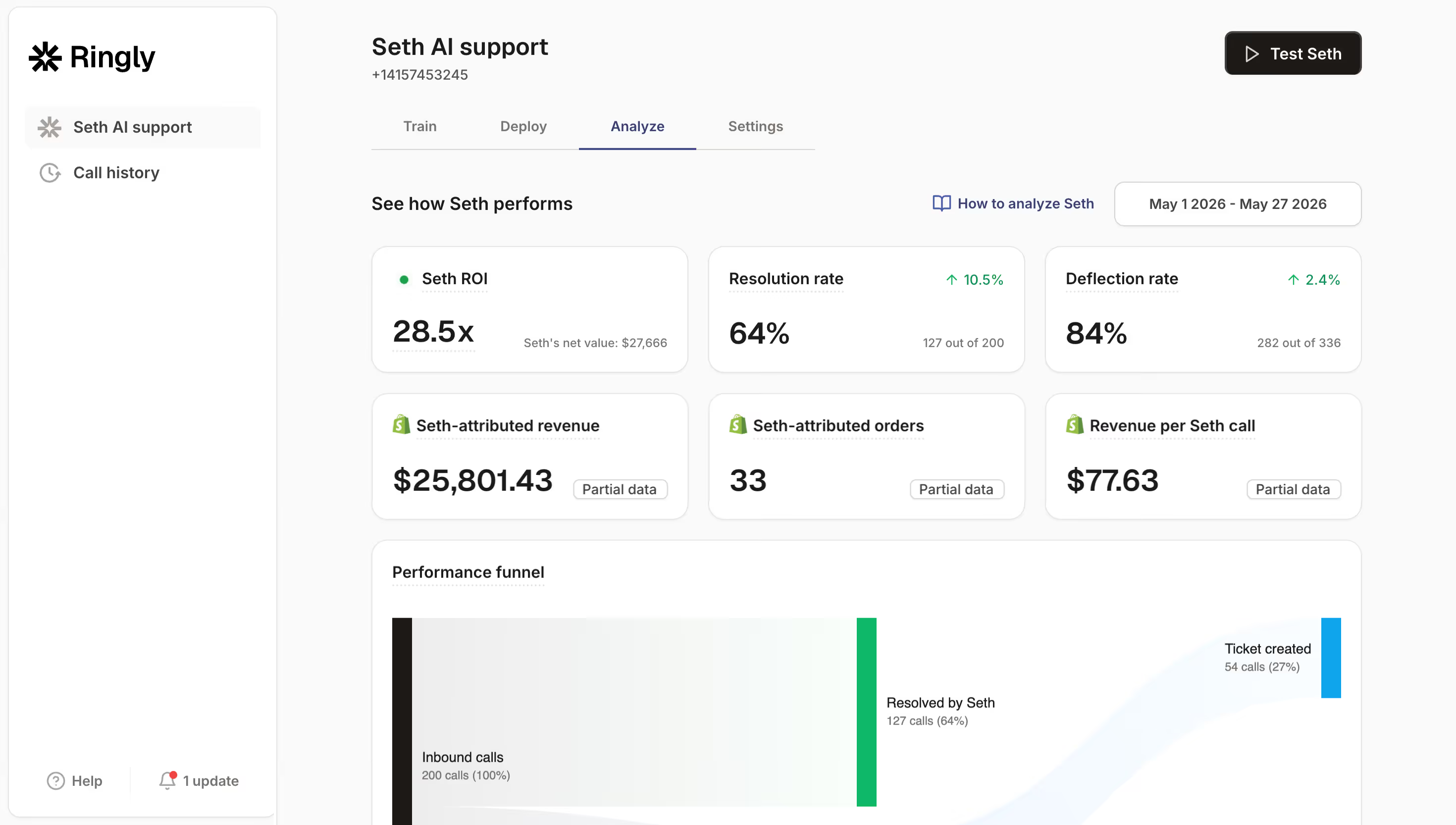
Yes. Ringly is a Shopify app. Seth, Ringly's AI phone agent, looks up orders, checks the caller is the customer, reads the order status and tracking, cancels orders that can still be cancelled and starts returns.
Do I need a developer to connect Shopify?
No. Install Ringly from the Shopify app store or sign up at app.ringly.io and connect your store. Orders, products and customers sync on their own from then on.
Can the AI agent change orders in my store?
Only within the rules you set. You decide in Seth's settings which orders can be cancelled by phone and which return conditions apply, and the agent stays inside those rules.




Let Seth handle the calls your team shouldn't