
Freshservice has earned its spot as a popular IT service management platform, especially for teams already using other Freshworks products.
But it's not the right fit for everyone.
Pricing can escalate quickly as you add agents, AI features often sit behind expensive tiers, and some teams find the customization options limiting.
If you're evaluating your options, you're in the right place.
We researched and tested the leading Freshservice alternatives to help you find a platform that fits your team size, budget, and technical requirements. Here's what we found.
Editor’s note: Want to hear some sample AI support calls made for your Shopify store?
- Just paste your store URL
- Get sample calls in under 20 seconds (no email required)
- Listen to demo calls for my store
What is Freshservice?
Freshservice is an IT service management (ITSM) platform from Freshworks designed to help IT teams manage incidents, assets, changes, and service requests. It follows ITIL best practices and offers features like ticketing, workflow automation, and a self-service portal.
The platform works well for mid-sized organizations that want a straightforward ITSM solution without complex setup. However, teams often start looking elsewhere when they hit scaling challenges, need deeper customization, or want more advanced AI capabilities without enterprise-level pricing.
How We Evaluated These Freshservice Alternatives
We compared these platforms across criteria that matter to IT teams:
- Pricing transparency clear pricing tiers without hidden costs
- AI and automation depth of AI features and workflow automation
- Ease of deployment time to value and implementation complexity
- Integration ecosystem connectivity with existing tools
- User feedback real experiences from IT professionals
Let's look at how each platform stacks up.
Freshservice Alternatives at a Glance
| Tool | Best For | Starting Price | Free Plan | AI Features |
|---|---|---|---|---|
| Jira Service Management | DevOps teams | $0 (3 agents) | Yes | Rovo AI, Virtual Service Agent |
| Zendesk | Fast deployment | $19/agent/mo | No | AI routing, bots |
| Zoho Desk | Budget-conscious | $0 (3 agents) | Yes | Zia AI, Answer Bot |
| SolarWinds Service Desk | Asset management | $39/tech/mo | No | Virtual agent (Advanced+) |
| SysAid | AI automation | Custom | Trial | Copilot, 100+ AI agents |
| Atera | MSPs/RMM | $149/tech/mo | 30-day trial | AI Copilot (add-on) |
1. Jira Service Management

Best for: DevOps teams and organizations using Atlassian tools
Jira Service Management bridges the gap between development and IT operations. If your engineering team already lives in Jira Software and Confluence, this is the natural choice for ITSM.
The platform includes the Service Collection bundle: Jira Service Management, Customer Service Management, Assets, and Rovo AI. The free tier supports up to 3 agents, making it accessible for small teams to get started.
Key features:
- Native Jira/Confluence integration
- Rovo AI with search, chat, and agents (25-150 credits per user)
- Asset management (5,000-500,000 objects depending on plan)
- Virtual Service Agent for conversational support (Premium+)
- AIOps for alert grouping and incident creation
| Plan | Price | Key Limits |
|---|---|---|
| Free | $0 | 3 agents, 2GB storage, 100 emails/day |
| Standard | $20/agent/mo | 20,000 agents, 250GB storage |
| Premium | $51.42/agent/mo | Unlimited storage, virtual agent included |
| Enterprise | Custom | Multiple sites, advanced analytics |
Pros:
- Deep dev tool integration
- Generous free tier
- Transparent, predictable pricing
- Strong knowledge base integration
Cons:
- Asset management locked behind Standard+
- Virtual service agent only in Premium/Enterprise
- Can feel complex for non-technical users
Jira Service Management shines when IT and engineering need shared visibility. The familiar interface reduces training time for teams already in the Atlassian ecosystem.
2. Zendesk

Best for: Mid-sized teams wanting fast deployment
Zendesk built its reputation on customer support, and that DNA shows in its IT service management offering. The platform prioritizes user experience and quick time-to-value over ITIL depth.
Setup takes days, not weeks. The interface is intuitive enough that most teams can start ticketing immediately without extensive training. Zendesk AI provides pre-trained bots, intelligent routing, and sentiment analysis out of the box.
Key features:
- Omnichannel ticketing (email, chat, phone, social)
- AI-powered routing and sentiment analysis
- Self-service portals with knowledge base
- Workforce management and scheduling
- Advanced analytics and custom reporting
| Plan | Price | Best For |
|---|---|---|
| Support Team | $19/agent/mo | Basic email and social support |
| Suite Team | $55/agent/mo | Growing teams needing chat and voice |
| Suite Professional | $115/agent/mo | Advanced workflows and custom analytics |
| Suite Enterprise | $169/agent/mo | Large teams needing advanced security |
Pros:
- Fastest deployment in the market
- Exceptional user experience
- Strong multi-channel support
- 1,000+ app integrations
Cons:
- No native CMDB or asset management
- Not purpose-built for ITIL processes
- Pricing escalates with add-ons
- Limited ITSM-specific features
Zendesk works best for teams prioritizing ease of use over ITIL compliance. If you need to get up and running quickly with minimal IT overhead, this is your platform.
3. Zoho Desk

Best for: Budget-conscious teams in the Zoho ecosystem
Zoho Desk offers the most affordable entry point into IT service management without sacrificing core functionality. The free tier supports 3 agents with email ticketing, and paid plans start at just $7 per agent monthly.
The platform includes Zia, Zoho's AI assistant, which provides sentiment analysis, auto-tagging, and reply suggestions. For teams already using Zoho CRM or other Zoho products, the integration is seamless.
Key features:
- Zia AI for sentiment analysis and auto-tagging
- Omnichannel support (email, phone, chat, social)
- Work modes for intelligent ticket sorting
- Blueprints visual workflow builder
- ASAP self-service widget for websites
| Plan | Price | Key Features |
|---|---|---|
| Free | $0 | 3 agents, email ticketing |
| Express | $7/agent/mo | Email, social, web forms |
| Standard | $14/agent/mo | + Knowledge base, generative AI |
| Professional | $23/agent/mo | + Telephony, blueprints, multi-department |
| Enterprise | $40/agent/mo | + AI Agents, Answer Bot, live chat |
Pros:
- Most affordable option
- Generous free tier
- Strong AI features at lower price points
- Seamless Zoho ecosystem integration
Cons:
- Limited ITSM depth
- Interface can feel overwhelming
- Smaller third-party integration ecosystem
- Less mature ITIL compliance
Zoho Desk delivers the best value for small teams with straightforward needs. The pricing makes it accessible for startups and growing businesses that aren't ready for enterprise ITSM investments.
4. SolarWinds Service Desk
Best for: IT teams prioritizing asset management
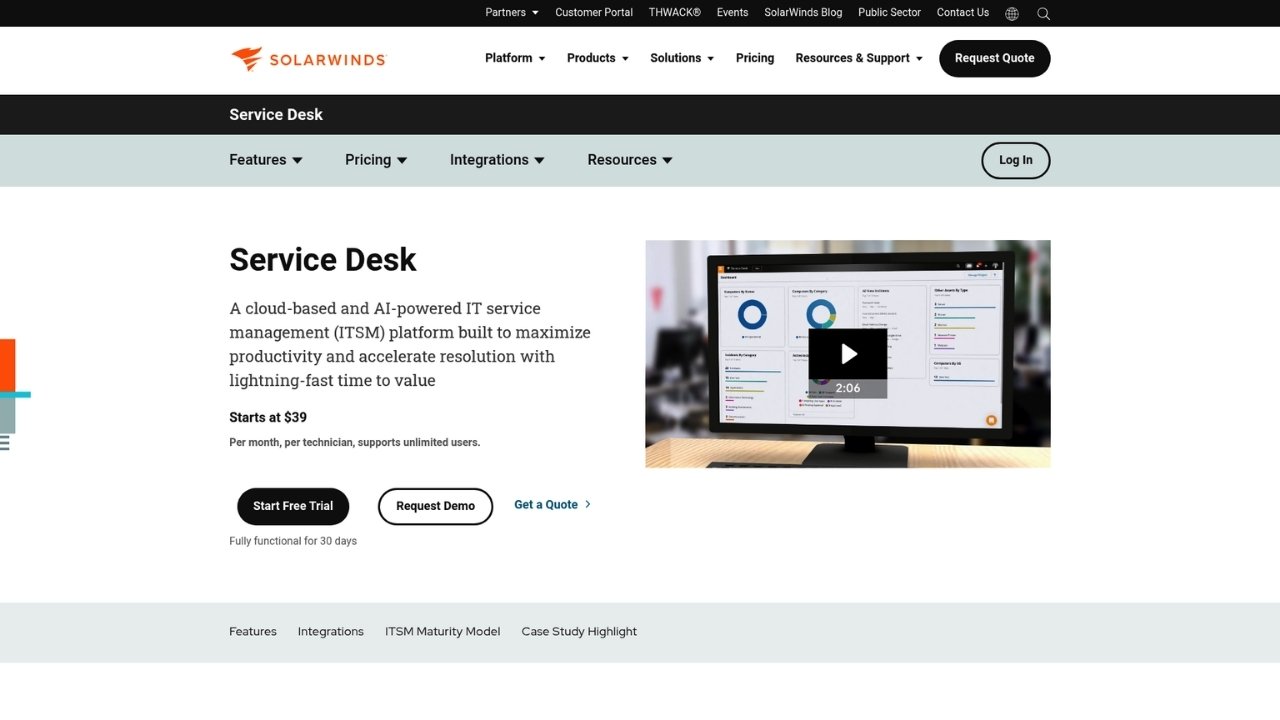
SolarWinds Service Desk uses a per-technician pricing model that allows unlimited end users. This makes it cost-effective for organizations with many employees but a small IT team.
The platform stands out for its visual CMDB and strong asset management capabilities. ITIL-aligned processes cover incident, problem, change, and request management with automated asset discovery.
Key features:
- Visual CMDB with dependency mapping
- AI-powered incident management
- Automated asset discovery
- Self-service portal and service catalog
- Customizable SLA management
| Plan | Price | Key Features |
|---|---|---|
| Essentials | $39/tech/mo | Incident, knowledge base, asset management |
| Advanced | $79/tech/mo | + Custom forms, virtual agent, API access |
| Premier | $99/tech/mo | + Visual CMDB, runbooks, advanced AI |
Pros:
- Per-technician pricing (unlimited end users)
- Strong asset management
- Predictable pricing
- Good reporting capabilities
Cons:
- No free plan
- Workflow complexity can be challenging
- Less modern UI
- AI features limited to higher tiers
SolarWinds hits a sweet spot for IT-focused organizations that need solid asset management without enterprise complexity. The pricing model favors teams supporting large user bases.
5. SysAid

Best for: Mid-market teams wanting AI-first automation
SysAid takes an AI-native approach to ITSM with nearly 100 pre-built AI agents and a customizable AI agent builder. The platform targets mid-sized organizations that want enterprise-grade automation without enterprise overhead.
SysAid Copilot provides generative AI for ticket summarization, emotion detection, and reply composition. The visual workflow builder makes automation accessible without coding.
Key features:
- SysAid Copilot for generative AI assistance
- Nearly 100 pre-built AI agents
- AI agent builder for custom automation
- Visual workflow designer
- 250 managed assets included (expandable)
- Microsoft Teams integration
| Plan | Target Audience | Key Features |
|---|---|---|
| Standard | Lean teams | Smart ticket handling, AI assistance |
| Pro | Mid-sized IT teams | AI agents, workflow customization |
| Enterprise | Large organizations | Limitless AI, organization-wide automation |
Pricing: Custom quotes based on users and assets. Free trial available.
Pros:
- Strong AI-first approach
- Highly customizable workflows
- Good automation out-of-the-box
- Flexible deployment (cloud or on-premises)
Cons:
- UI can feel dated
- Mobile app limitations
- Custom pricing requires sales contact
- Smaller ecosystem than major competitors
SysAid competes well for teams that want AI-powered automation without the complexity and cost of ServiceNow. The Copilot feature set rivals more expensive platforms.
6. Atera
Best for: MSPs and IT departments wanting unified RMM and PSA
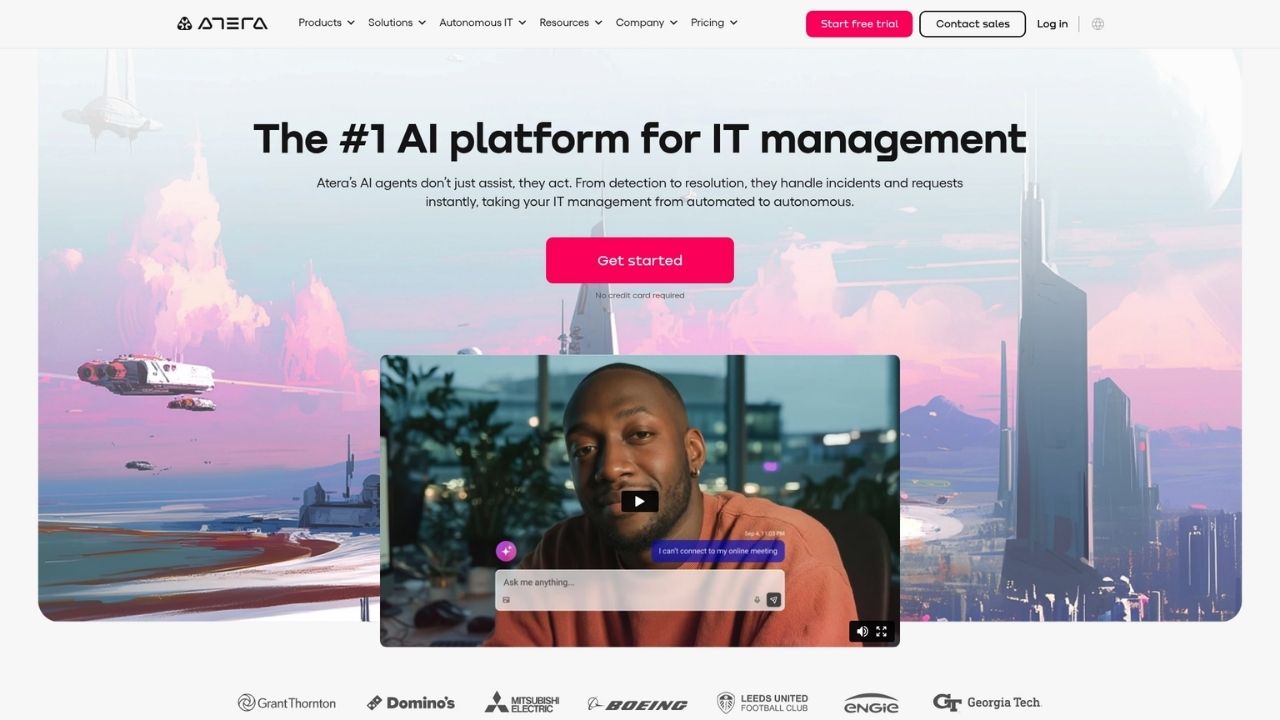
Atera combines Remote Monitoring and Management (RMM), Professional Services Automation (PSA), and IT automation in one platform. Its per-technician pricing with unlimited devices makes it ideal for managed service providers and device-heavy IT environments.
The AI Copilot add-on ($95 per technician monthly) provides real-time device diagnosis, script generation, and ticket summaries. For enterprises, IT Autopilot offers autonomous AI agents for proactive support.
Key features:
- AI Copilot for diagnosis and scripting
- RMM with patch management
- PSA with ticketing and SLA management
- Remote access (Splashtop included, AnyDesk optional)
- Network discovery add-on
| Plan | Annual Price | Key Features |
|---|---|---|
| Professional | $149/tech/mo | RMM, ticketing, 2 Splashtop sessions |
| Expert | $189/tech/mo | + Unlimited Splashtop, AnyDesk, reports |
| Master | $219/tech/mo | + Custom reports, data recovery |
| Enterprise | Custom | + SSO, unlimited reports, 99.9% SLA |
Add-ons: AI Copilot ($95/tech/mo), Network Discovery ($29/tech/mo)
Pros:
- Unlimited devices per technician
- Combines RMM + PSA in one platform
- Transparent, published pricing
- Strong for MSPs
Cons:
- Mobile app experience lacking
- Some features basic vs enterprise competitors
- AI Copilot is expensive add-on
- Less focused on pure ITSM
Atera makes sense for MSPs and IT departments managing large device fleets. The unified platform eliminates the need for separate RMM and PSA tools.
Choosing the Right Freshservice Alternative
The best platform depends on your team size, priorities, and existing tool stack:
- Enterprise (5000+ employees): ServiceNow is the clear choice for depth and scale
- DevOps-heavy teams: Jira Service Management integrates seamlessly with development workflows
- Fast deployment needed: Zendesk gets you up and running in days
- Tight budget: Zoho Desk offers the most value for small teams
- Asset management priority: SolarWinds delivers strong CMDB capabilities
- AI automation focus: SysAid provides enterprise-grade AI without enterprise complexity
- MSPs/device management: Atera combines RMM and PSA with unlimited device pricing
Key Takeaways
Freshservice isn't the only game in town. Depending on your needs, you might find better value, deeper features, or easier deployment with one of these alternatives.
Before committing, take advantage of free trials. Most platforms offer 14-30 days to test with your actual workflows. Involve your IT team in the evaluation, they'll spot usability issues and integration challenges that might not be obvious in demos.
And remember: the best ITSM platform is the one your team actually uses. Fancy features mean nothing if the interface creates friction for agents or end users.
For teams specifically needing AI phone support, Ringly.io offers an AI phone agent that handles customer calls 24/7 with 70%+ resolution rates. It integrates with your existing systems and escalates only when necessary, letting your human agents focus on complex issues.
Frequently Asked Questions
Which Freshservice alternative offers the best free plan?
Jira Service Management and Zoho Desk both offer the most generous free tiers, supporting up to 3 agents with core ticketing functionality. Jira includes 2GB storage and 100 emails daily, while Zoho provides email ticketing and basic features.
Are there any Freshservice alternatives with per-technician pricing instead of per-agent?
Yes, SolarWinds Service Desk and Atera both use per-technician pricing that allows unlimited end users. This model works well for organizations with many employees but small IT teams.
What Freshservice alternative works best for DevOps teams?
Jira Service Management is the natural choice for DevOps teams already using Atlassian tools. The native integration with Jira Software creates shared visibility between development and IT operations.
Which alternative to Freshservice has the strongest AI features?
ServiceNow leads in enterprise AI capabilities, while SysAid offers the strongest AI-first approach for mid-market teams with nearly 100 pre-built AI agents and Copilot assistance.
What's the most affordable Freshservice alternative for small teams?
Zoho Desk starts at $7 per agent monthly with a free tier for 3 agents. For teams wanting ITSM-specific features, SolarWinds Essentials at $39 per technician monthly offers strong value with unlimited end users.
Can I switch from Freshservice without losing my data?
Most platforms offer migration tools or services. Jira Service Management, Zendesk, and Zoho Desk all provide data import capabilities. For complex migrations, consider working with the vendor's professional services team or a third-party migration specialist.